
30+ Stylish Nepali Fonts | Download for Free
Download 30+ stylish Nepali Devanagari fonts free for wedding cards, graphic design, and video editing. Easy install guide plus typing tips included.
Free to use · Built by Jenish Bhandari · Kathmandu, Nepal
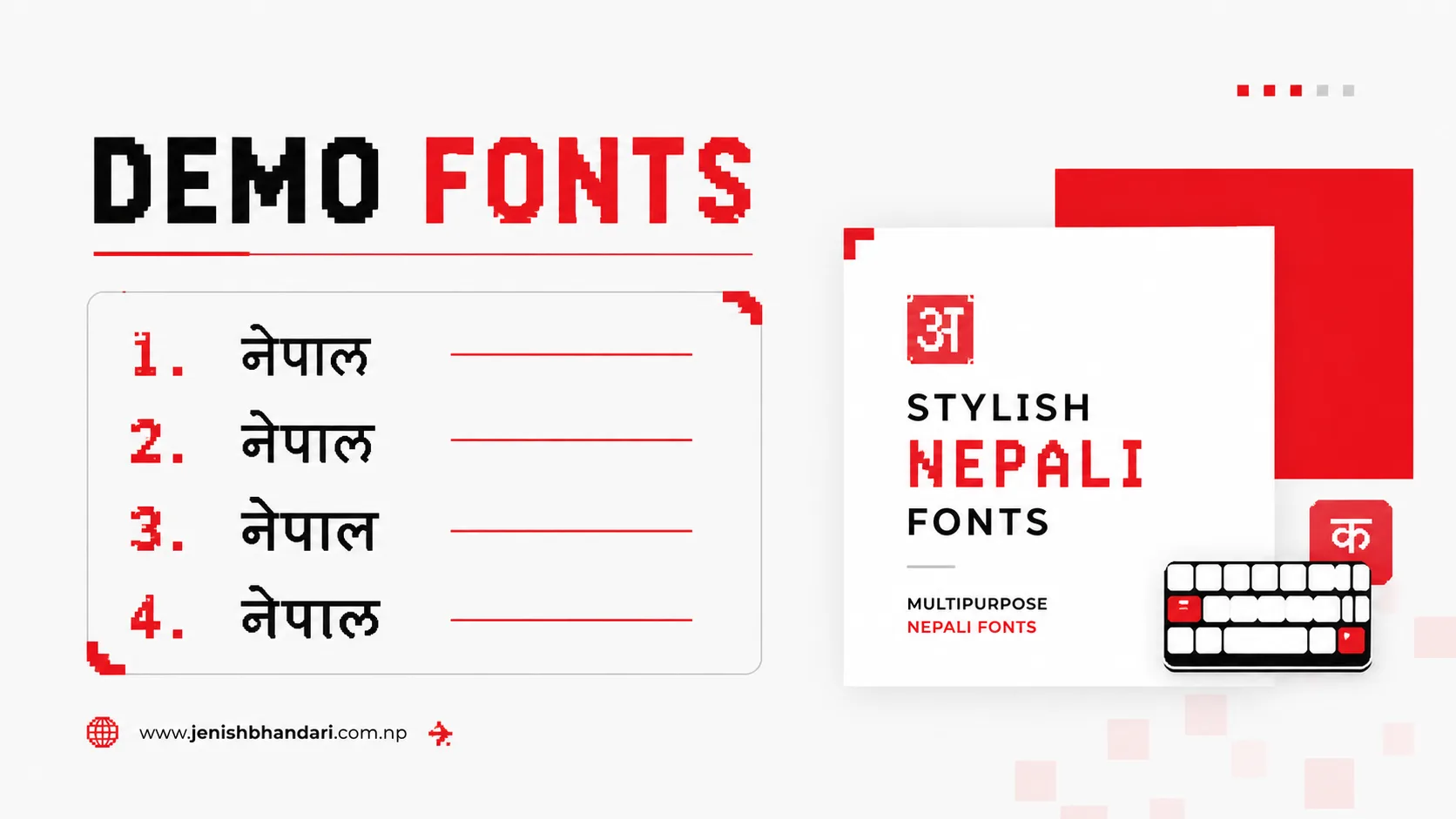
30+ Stylish Nepali Fonts Free Download - Beautiful Devanagari Fonts 2026
Creative professionals including video editors, graphic designers, and content creators are increasingly seeking beautiful, attractive, and stylish Nepali fonts for their projects. The demand for high-quality Devanagari fonts has grown as more creative work incorporates Nepali text in professional and artistic ways.
Stylish Nepali fonts have become essential tools in various creative industries. From lyrical videos and inspirational quotes to wedding invitations and business branding, these beautiful Devanagari fonts add visual appeal and cultural authenticity to any project.
If you're into graphics designing, infographics, video editing, wedding card design, or simply want to impress clients with your creative skills, this comprehensive collection of 30+ stylish Nepali fonts will significantly enhance your projects.
Why Use Stylish Nepali Fonts?
- Cultural Authenticity: Devanagari fonts maintain cultural essence while adding modern aesthetic appeal
- Visual Impact: Attractive fonts grab attention and make content more engaging, especially on social media
- Professional Quality: High-quality fonts elevate the overall look of designs
- Versatility: Different font styles suit different projects - from formal documents to creative artwork
- Brand Identity: Unique fonts help create distinctive brand identities for Nepali businesses
- Emotional Connection: Beautiful fonts create stronger connections with Nepali-speaking audiences
- Competitive Edge: Stand out from competitors with unique, eye-catching typography
Best Uses for Stylish Nepali Fonts
Video Production:
- Lyrical Videos: Create stunning Nepali song lyrics videos for YouTube and social media
- Title Cards: Design professional opening and closing credits
- Subtitles: Add stylish Nepali subtitles to video content
- Video Thumbnails: Create eye-catching thumbnails with attractive Nepali text
- Motion Graphics: Incorporate Devanagari text in animated graphics
Graphic Design:
- Posters: Design impactful posters for events, movies, and campaigns
- Banners: Create professional banners for shops, events, and advertisements
- Social Media Posts: Design engaging Facebook, Instagram, and Twitter graphics
- Infographics: Present data in visually appealing Nepali infographics
- Logo Design: Create memorable brand logos with unique Nepali typography
Print Materials:
- Wedding Cards: Design elegant invitation cards for weddings and ceremonies
- Brochures: Create informative brochures for businesses and organizations
- Business Cards: Design professional visiting cards with stylish Nepali text
- Certificates: Make beautiful certificates and awards
- Greeting Cards: Design festive cards for Dashain, Tihar, and other occasions
Digital Content:
- Website Headers: Create attractive website banners and headers
- App Interfaces: Design mobile app interfaces with beautiful Nepali fonts
- E-books: Format digital books with readable, attractive Nepali fonts
- Presentations: Make impactful PowerPoint and presentation slides
How to Install Nepali Fonts
- Download Your Favorite Font: Browse the collection below and click the download button for the fonts you like.
- Extract the RAR File: Right-click the downloaded .rar file and select "Extract Here" using WinRAR, 7-Zip, or Windows' built-in extraction tool.
- Open the Font Folder: Double-click the extracted folder to find the .ttf or .otf font file.
- Preview and Select: Double-click the font file to preview how it looks before installing.
- Install the Font: Click "Install" in the top-left corner of the preview window, or right-click the file and select "Install".
- Wait for Installation: The font copies to your Windows Fonts folder and becomes available immediately in all applications.
- Verify Installation: Open Word, Photoshop, or any font-based app to confirm the new font appears in the font list.
Troubleshooting Installation Issues:
- Font not appearing: Restart your application or computer after installation
- Can't extract files: Download and install WinRAR or 7-Zip
- Installation fails: Run as Administrator
- Font looks incorrect: Make sure you're typing in Devanagari script, not English characters
How to Type with Nepali Fonts
Using a Devanagari Keyboard
Desktop Keyboards: Many office desktop keyboards in Nepal come with both English and Devanagari fonts printed on the keys, making it easy to type in both languages.
Laptop Keyboards: Most laptops don't have built-in Devanagari keyboards. Laptop users either attach an external Devanagari keyboard via USB or use software-based input methods (recommended).
Software-Based Typing Methods
1. Google Input Tools
The most popular and user-friendly method for typing in Nepali. It uses phonetic input - type how the word sounds in English and it converts to Nepali automatically. Typing "namaste" produces "नमस्ते".
2. Windows Language Settings
Windows 10 and 11 have built-in Nepali keyboard support, switchable via Alt+Shift or Windows+Space.
3. Online Typing Tools
Browser-based Nepali typing tools work without installing software, ideal for occasional use.
For a complete typing guide, read: How to type in Nepali on your Laptop?
Using Fonts in Design Software
Microsoft Word:
- Open Microsoft Word
- Select the installed Nepali font from the font dropdown in the Home tab
- Start typing in Nepali using your preferred input method
- Adjust font size, color, and formatting as needed
Adobe Photoshop:
- Select the Text Tool (T key)
- Choose your Nepali font from the Character panel
- Click the canvas and start typing
- Apply effects, colors, and layer styles for creative designs
Adobe Illustrator:
- Select the Type Tool
- Choose your Nepali font from the Character panel
- Create text and convert to outlines (Type > Create Outlines) for logo work
Video Editing Software (Premiere Pro, After Effects, Final Cut):
- Create a text layer or title
- Select your stylish Nepali font from the font menu
- Type your text and apply animations or effects
- Perfect for lyrical videos and subtitles
30+ Stylish Nepali Fonts Free Download
All fonts shared in this post are completely free to download and use for both personal and commercial projects. This collection includes bold fonts, italic fonts, creative decorative fonts, and traditional readable fonts.
Important Note: This list is in alphabetic order and is not a ranking. All fonts belong to their respective creators and designers, shared here for educational and creative purposes.
Font Categories Overview:
- Elegant Fonts: Perfect for wedding cards and formal invitations (CV Maya, Ananda Akchyar, Himchuli)
- Bold Fonts: Great for headlines and posters (CV Rabinbold, Bahunbad, Abhinav)
- Creative Fonts: Ideal for artistic projects (CV Shrinagar, Aakar, Suryodaya)
- Traditional Fonts: Best for formal documents (Anuradha, CV Sadhana, Dina New)
- Decorative Fonts: Perfect for special occasions (Ananda 5, CV Bihani, Urmila)
1. 0001 ARAP BK
A clean, professional Nepali font suitable for both digital and print media. Its balanced character design makes it readable at various sizes.

2. 009 Aarap
A versatile Nepali font with excellent readability, perfect for body text in documents, brochures, and websites.

3. Aakar
Aakar is an elegant Nepali font with a modern aesthetic, ideal for creative projects, posters, and graphic design work.

4. Abhinav
A bold, impactful Nepali font perfect for headlines, banners, and attention-grabbing designs.

5. Abhyudaya
Abhyudaya features a balanced design suitable for both creative and formal applications.

6. Ananda 1 Hv
Heavy-weight variant of the Ananda series, excellent for bold statements and eye-catching headers.

7. Ananda 5
A refined variant with elegant character forms, suitable for formal and traditional designs.

8. Ananda Akchyar
One of the most popular choices for wedding cards and formal invitations. Combines elegance with readability, perfect for special occasions.

9. Ananda Devanagari NP
A traditional Devanagari design with cultural authenticity, perfect for religious and cultural content.

10. Anuradha
CV Anuradha offers a clean, professional look suitable for formal documents and business communications.

11. Arap 003
Another variant in the popular Arap series, known for its versatility and readability.

12. Bahunbad
A distinctive font with unique character forms, excellent for creative projects that need to stand out.

13. CV Aakriti
Features artistic character design, perfect for creative posters and artistic typography.

14. CV Bihani
A decorative font with elegant flourishes, ideal for special occasion cards and ceremonial designs.

15. CV Gadah
A strong, bold font that commands attention, great for impactful headlines and banners.

16. CV Mahanagar
Urban-inspired design perfect for modern, contemporary projects and city-themed content.

17. CV Maya
One of the most beautiful fonts for wedding cards, with graceful curves perfect for romantic and ceremonial occasions.

18. CV Rabinbold
An ultra-bold font designed for maximum impact, perfect for poster headlines and attention-demanding text.

19. CV Sadhana
Traditional and formal, excellent for literary works, books, and educational materials.

20. CV Shrinagar
Highly recommended for multi-purpose use. Combines beauty with functionality - a personal favorite of many designers.

21. CV Sristi
Creative and artistic, CV Sristi adds a unique flair to any design project.

22. Dev Pental
A unique decorative font with distinctive character forms, excellent for branding and logo design.

23. Dina New
Clean and modern with good readability, suitable for both digital and print applications.

24. Ganess
Religious and cultural undertones make Ganesh font perfect for spiritual and traditional content.

25. Himchuli
Named after the Himalayan peak, Himchuli features elegant, flowing characters perfect for formal invitations and certificates.

26. Khaki
A sturdy, reliable font with strong character presence, great for masculine or rugged designs.

27. Lalit-B
Bold variant of the Lalit series, excellent for titles and headings that need emphasis.

28. MKali Regular
A balanced, versatile font suitable for a wide range of applications from documents to designs.

29. Suryodaya
Meaning "sunrise," Suryodaya font brings brightness and energy to any design with its dynamic character forms.

30. Urmila
A graceful, feminine font with delicate curves, perfect for romantic designs and gentle aesthetics.

Download All Stylish Nepali Fonts at Once
Loved the entire collection? Save time and download all 30+ stylish Nepali fonts at once with a single click. This package includes every font featured in this collection.
Package Includes:
- All 30+ stylish Nepali fonts in high quality
- Organized in individual folders for easy installation
- Compatible with Windows, Mac, and Linux
- Virus-free, scanned for your safety
- Completely free with no restrictions
Tips for Using Stylish Nepali Fonts Effectively
Design Best Practices:
- Font Pairing: Limit designs to 2-3 fonts maximum
- Readability First: Choose decorative fonts for headings, readable fonts for body text
- Size Matters: Test decorative fonts at different scales
- Color Contrast: Ensure good contrast between text and background
- Kerning and Spacing: Adjust letter and line spacing for optimal readability
- Context Appropriate: Match font style to project purpose (formal vs. creative)
Project-Specific Recommendations:
- Wedding Cards: Ananda Akchyar, CV Maya, Himchuli
- Business Documents: Anuradha, CV Sadhana, Dina New
- Posters & Banners: CV Rabinbold, Abhinav, CV Gadah
- Lyrical Videos: CV Shrinagar, Aakar, Suryodaya
- Social Media: CV Bihani, Ananda Akchyar, CV Maya
- Logos & Branding: Bahunbad, Dev Pental, CV Aakriti
Frequently Asked Questions
Which is the best Nepali font?
It depends on your use case. Preeti is the office standard for professional work. Ananda Akchyar, CV Maya, and Himchuli suit wedding cards. CV Shrinagar and Aakar are versatile for creative projects, while CV Rabinbold and Abhinav stand out for bold headlines.
How do I install Nepali fonts?
Extract the .rar file, open the folder with the font's name, double-click the .ttf or .otf file, then click "Install" in the top-left corner. The font is available in all applications immediately.
Are these Nepali fonts free to download?
Yes, all 30+ fonts in this collection are free for both personal and commercial projects, with no licensing fees.
How do I type with Nepali fonts?
After installing a font, type in Devanagari using Google Input Tools (phonetic typing), Windows' built-in Nepali keyboard, or an online typing tool.
Can I use these fonts for commercial projects?
Yes, they're free for client work, business materials, products for sale, and other commercial applications.
Which Nepali font is best for wedding cards?
CV Maya, Himchuli, and Ananda Akchyar are the top choices, with elegant, decorative designs suited to formal, romantic occasions. CV Bihani and Urmila are good alternatives.
Do these fonts work on Mac and Linux?
Yes, TrueType (.ttf) and OpenType (.otf) fonts work across Windows, Mac, and Linux with a similar double-click-to-install process.
Can I use these fonts in Photoshop and Illustrator?
Yes, once installed system-wide, these fonts appear in Photoshop, Illustrator, InDesign, Premiere Pro, After Effects, Word, PowerPoint, and any other font-based application.
Why can't I see Nepali characters when I type?
If you see boxes or question marks, you're typing in English (Roman) script. Use a Devanagari input method like Google Input Tools or Windows' Nepali keyboard to type actual Nepali characters.
How do I uninstall a Nepali font?
On Windows: Control Panel > Fonts, right-click the font, select "Delete". On Mac: open Font Book, select the font, click the minus (-) button. Close all applications before uninstalling.
Related Resources for Nepali Typography
- Download Typeshala for Windows - Learn professional Nepali and English typing with games and structured lessons
- How to Type in Nepali on Laptop? - Complete guide to enable and master Nepali typing on Windows computers
- Preeti Font Keyboard Layout - Visual reference guide for traditional Preeti font typing
- Nepali Unicode Converter - Online tool for easy phonetic Nepali typing without software installation
- Nepali Calendar for Windows - Keep track of Nepali dates while working on your projects
Conclusion
This comprehensive collection of 30+ stylish Nepali fonts provides everything you need for professional-quality Devanagari typography. Whether you're a graphic designer, video editor, content creator, or business owner, these beautiful fonts will significantly enhance your creative projects.
Key Takeaways:
- All 30+ fonts are completely free for personal and commercial use
- Easy installation process works on Windows, Mac, and Linux
- Suitable for diverse projects: wedding cards, graphics, videos, documents, and more
- Can be used with various typing methods including Google Input Tools
Among this collection, personal recommendations include Ananda Akchyar and CV Shrinagar due to their exceptional versatility and aesthetic appeal, though every font here has its own strengths depending on your specific project.
Need Help or Have Questions? If you have any queries or problems while downloading or using these stylish Nepali fonts, feel free to leave a comment below. We typically respond within 24 hours.
More downloads tools
All downloads →Download Typeshala for Windows 7, 10 & 11 | 2026 Update
Typeshala is a free bilingual typing tutor software designed for Windows that helps users learn and improve their typing skills in both Nepali (Devanagari script) and English. It includes typing games, multiple lessons, and works offline.
Open tool →Download Free Nepali Calendar for Windows PC | Windows 7, 10 & 11
Download free Nepali Calendar for Windows with B.S. to A.D. date converter, tithes, and festival dates. Works offline, no updates needed. 1MB download.
Open tool →Download Preeti Font Keyboard Layout | Latest preeti fonts
Download the free Preeti Font Keyboard Layout and learn Nepali typing fast with tips, character maps, and alternative typing methods.
Open tool →